
What Is a Fiber Optic Cable? A Beginner’s Guide
Fiber optic cables are the backbone of modern data transmission. They use light to send information over long distances at speeds no copper cable can match. Whether you work in networking, manage a data center, or simply want to understand the infrastructure powering the internet, knowing what a fiber optic cable is and how it works gives you a real advantage.
This guide covers everything a beginner needs to know: how fiber optic cables work, the different types available, their key components, and how to choose the right cable for your application.
What Is a Fiber Optic Cable?
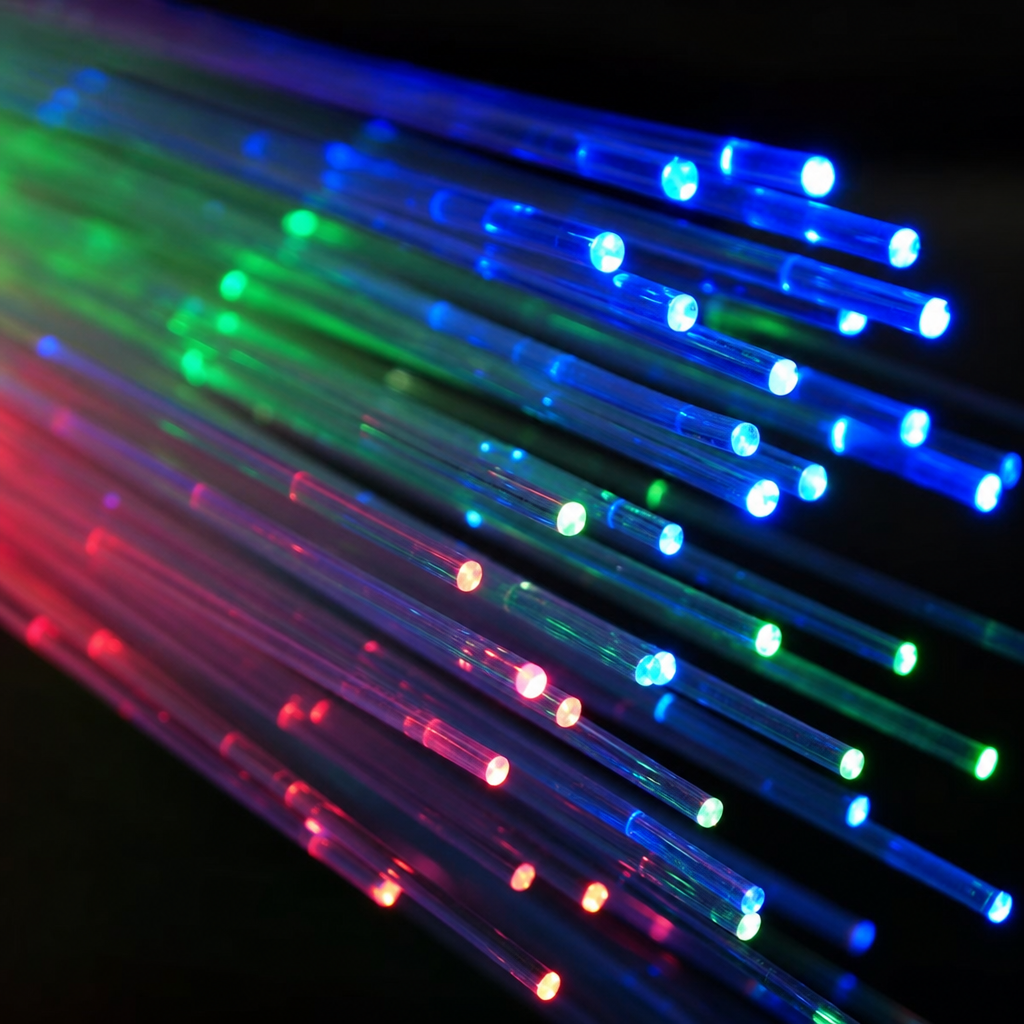
A fiber optic cable is a cable made of glass or plastic fibers that transmits data as pulses of light. Each fiber is roughly the diameter of a human hair, yet it can carry enormous amounts of data at the speed of light across distances that would degrade or destroy signals in copper wire.
At the most basic level, a fiber optic cable converts an electrical data signal into a light signal at one end, sends that light through the fiber, and converts it back to an electrical signal at the other end. The result is faster speeds, greater bandwidth, and far less signal loss over distance compared to traditional copper cables.
Fiber optic cables are used everywhere: in the internet backbone, in data centers, in hospitals for medical imaging, in military communications, and in the last-mile broadband connections reaching homes and businesses. Their versatility and performance have made them the standard for any application where speed and reliability matter.
How Fiber Optic Cables Work
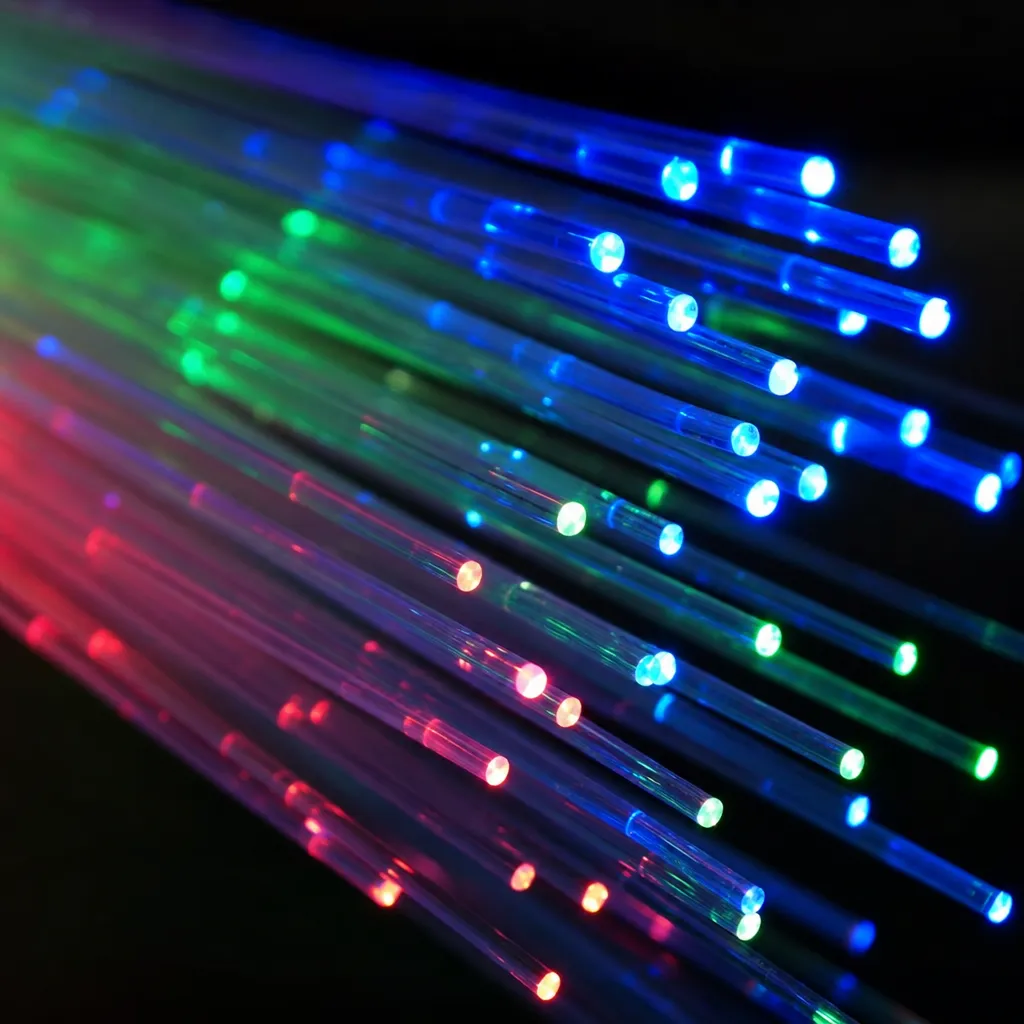
The principle behind fiber optic data transmission is called total internal reflection. When light enters the glass core of the fiber at the correct angle, it reflects off the inner surface of the surrounding cladding layer and bounces down the length of the fiber without escaping. This keeps the light signal intact over very long distances.
The process works in three steps:
- Transmit: A transmitter at the sending end converts an electrical data signal into a light pulse using a laser (for single-mode fiber) or an LED (for multimode fiber).
- Travel: The light pulse travels through the glass core, bouncing off the cladding via total internal reflection. Signal loss (attenuation) is minimal compared to copper.
- Receive: A photodetector at the receiving end captures the light pulse and converts it back into an electrical signal for the connected device.
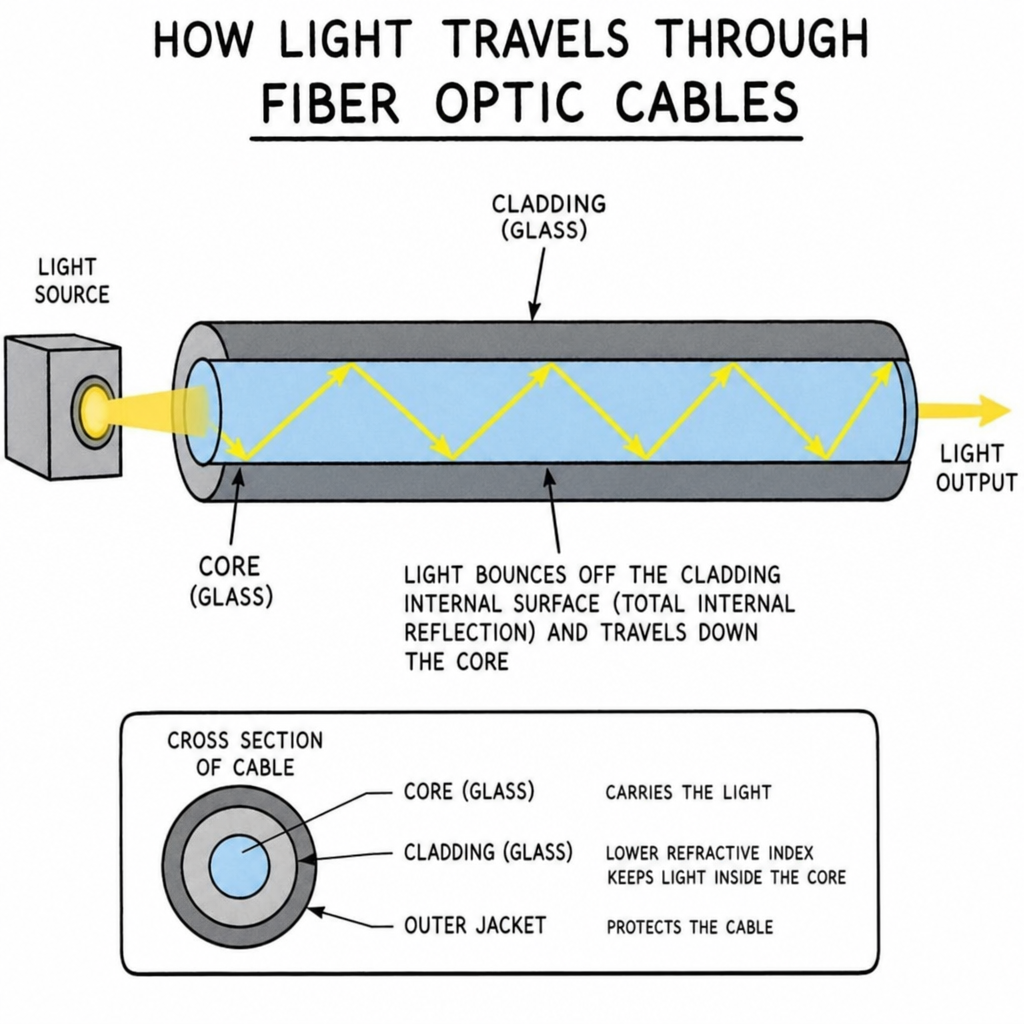
Because light experiences far less attenuation than electrical signals in copper, fiber optic cables can carry data over 100 kilometers without amplification in some configurations. They are also immune to electromagnetic interference (EMI), which makes them ideal for environments with heavy electrical equipment or radio frequency noise.
Key Components of a Fiber Optic Cable
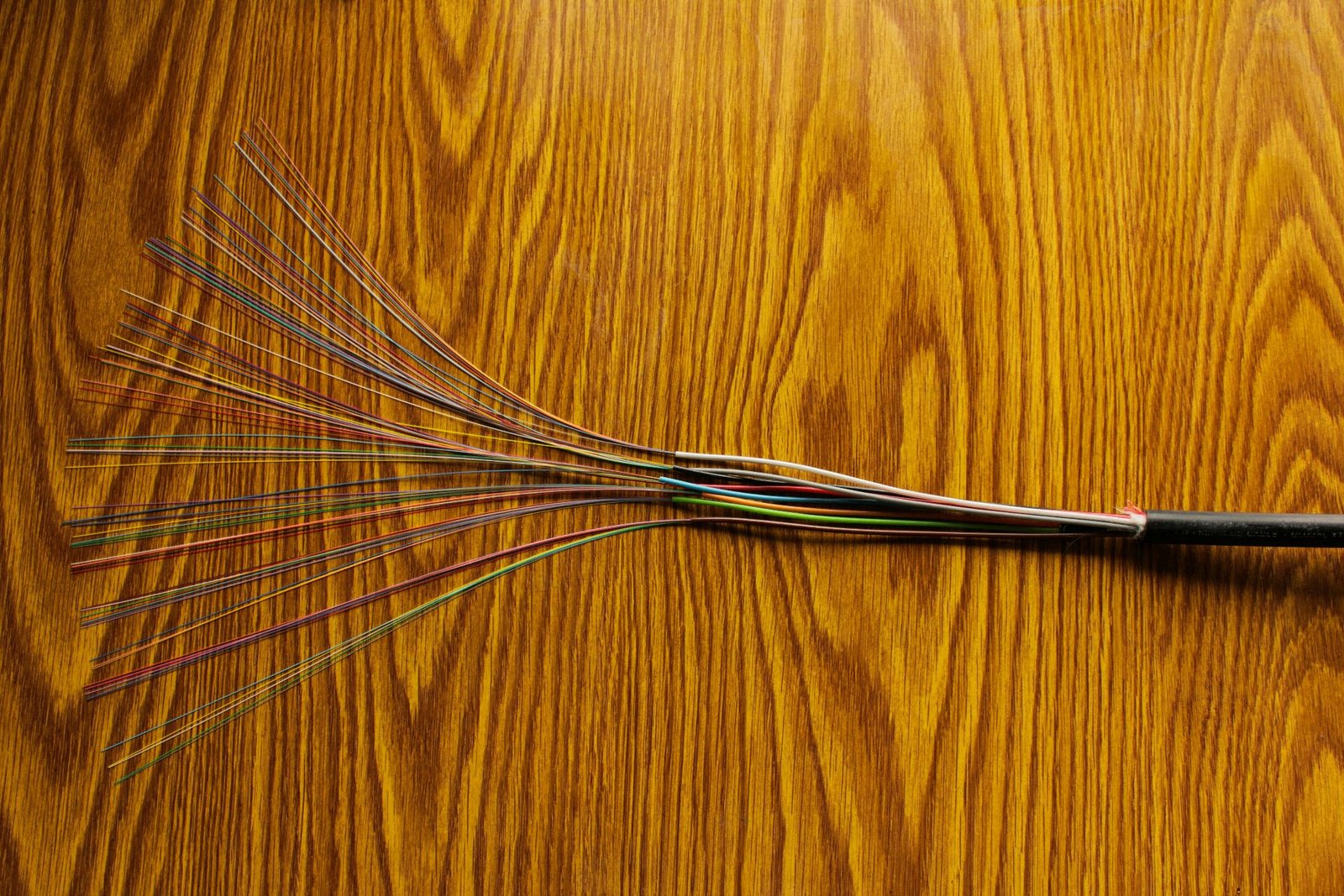
Understanding what is inside a fiber optic cable helps you evaluate quality and suitability for a given application. Every fiber optic cable has the same basic structure:
- Core: The central glass or plastic fiber that carries the light signal. In single-mode fiber the core is approximately 8 to 10 micrometers in diameter. In multimode fiber it is 50 or 62.5 micrometers.
- Cladding: A layer of glass surrounding the core with a lower refractive index. This difference in refractive index is what causes total internal reflection, keeping light inside the core.
- Buffer coating: A protective polymer layer applied directly over the cladding to protect the glass fiber from physical damage and moisture.
- Strength members: Aramid yarn (such as Kevlar) or fiberglass rods woven into the cable to provide tensile strength and prevent the fibers from breaking under tension.
- Outer jacket: The final protective layer, typically PVC or LSZH (low-smoke zero-halogen) material, which shields the entire cable from the environment.
Fiber Cable Types: Single-Mode vs. Multimode
There are two primary fiber optic cable types, and choosing the right one depends on your distance requirements and budget. For a deeper comparison, see our guide to single mode vs multimode fiber.
Single-Mode Fiber (SMF)
Single-mode fiber has a very narrow core (8-10 micrometers) that allows only one mode of light to travel through at a time. Using a laser light source, single-mode fiber can transmit data over distances exceeding 100 kilometers with minimal signal loss. It supports very high bandwidth and is the standard choice for long-distance telecommunications, wide area networks (WANs), and inter-building campus connections.
Single-mode fiber is identified by a yellow jacket and OS1/OS2 standards. It costs more per meter than multimode fiber, but the transceivers and connectors used with it have become increasingly affordable in recent years.
Best for: Long-distance runs, carrier networks, campus backbones, inter-building connections.
Multimode Fiber (MMF)
Multimode fiber has a larger core (50 or 62.5 micrometers) that allows multiple modes of light to travel simultaneously. LED or VCSEL light sources are used rather than lasers, which lowers the cost of compatible transceivers. The trade-off is distance: multimode fiber is suitable for runs up to 300-550 meters depending on the OM rating, making it ideal for within-building and data center applications.
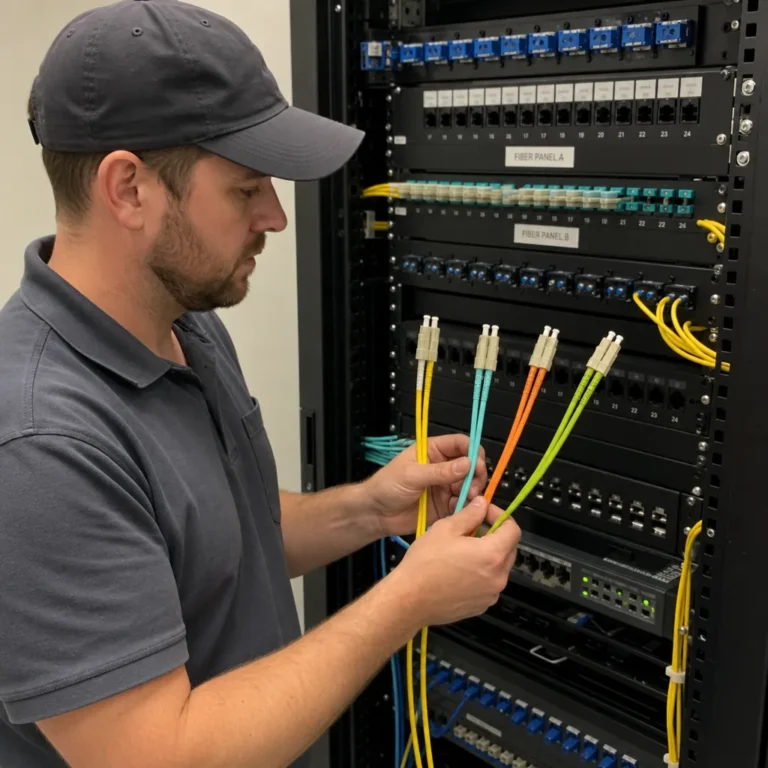
Multimode fiber comes in several grades: OM1 (gray jacket), OM2 (orange), OM3 (aqua), OM4 (aqua or violet), and OM5 (lime green). Higher OM ratings support faster speeds over longer distances within the building environment.
Best for: Data centers, server rooms, local area networks (LANs), video surveillance systems, within-building horizontal cabling.
Shop Fiber Patch Cables at EITS
Excellent IT Telecom Solutions stocks both single-mode and multimode fiber patch cables in a wide range of connector types and lengths. Whether you need LC, SC, or MPO connectors, we have the right cable for your project.
Common Connector Types
Fiber optic cables terminate in connectors that plug into transceivers, switches, patch panels, and other equipment. The most common connector types are:
- LC (Lucent Connector): A small-form-factor connector that has become the industry standard for most single-mode and multimode applications. LC connectors use a 1.25 mm ferrule and are available in simplex (single fiber) and duplex (two fibers in one housing).
- SC (Subscriber Connector): A push-pull connector with a 2.5 mm ferrule. Widely used in telecommunications and cable television networks. Its larger size makes it easier to handle but takes up more panel space.
- ST (Straight Tip): A bayonet-style connector common in older multimode installations. Still found in some enterprise and industrial environments.
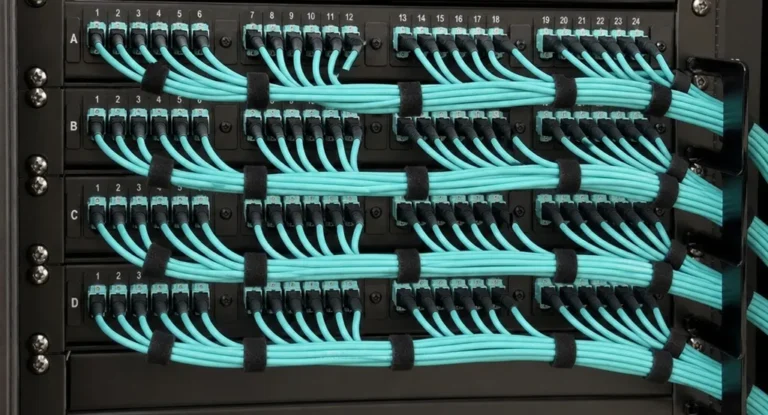
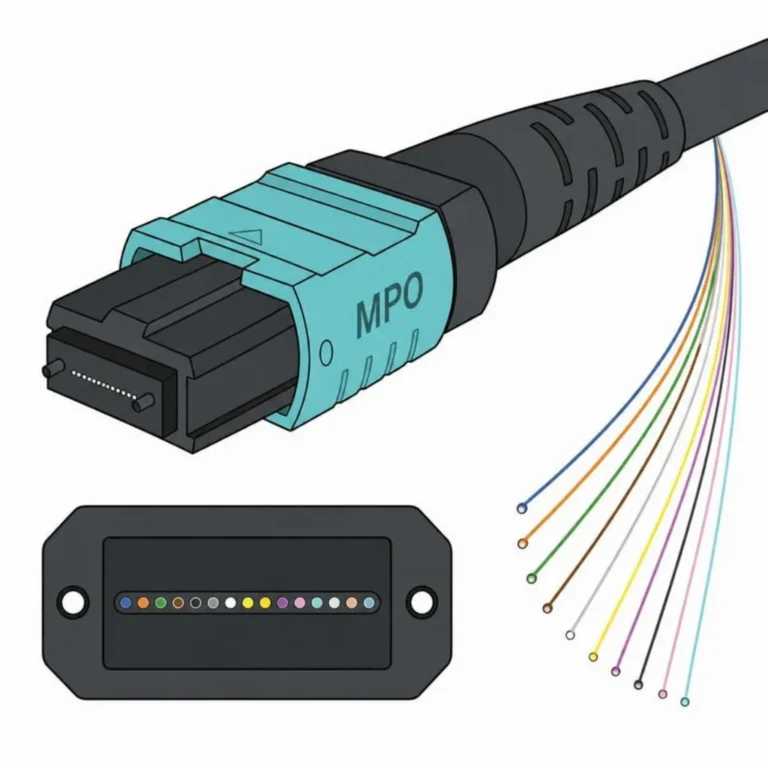
- MPO/MTP (Multi-fiber Push-On): A high-density connector that houses 8, 12, or 24 fibers in a single plug. MPO/MTP connectors are the standard choice for high-speed data center cabling and 40G/100G/400G network infrastructure.
At EITS, we carry LC-LC, SC-SC, LC-SC, and MPO/MTP fiber patch cables in both single-mode and multimode configurations. If you need help selecting the right connector type for your equipment, contact our team in Irving, Texas.
Fiber Optic Cable Applications
Fiber optic technology is used across a broad range of industries and applications:
- Telecommunications and internet infrastructure: Undersea cables, long-haul backbone networks, and last-mile fiber-to-the-home (FTTH) connections all rely on single-mode fiber.
- Data centers: High-speed server-to-server and server-to-switch connections use multimode fiber patch cables, typically OM3 or OM4, with MPO/MTP connectors for high-density deployments.
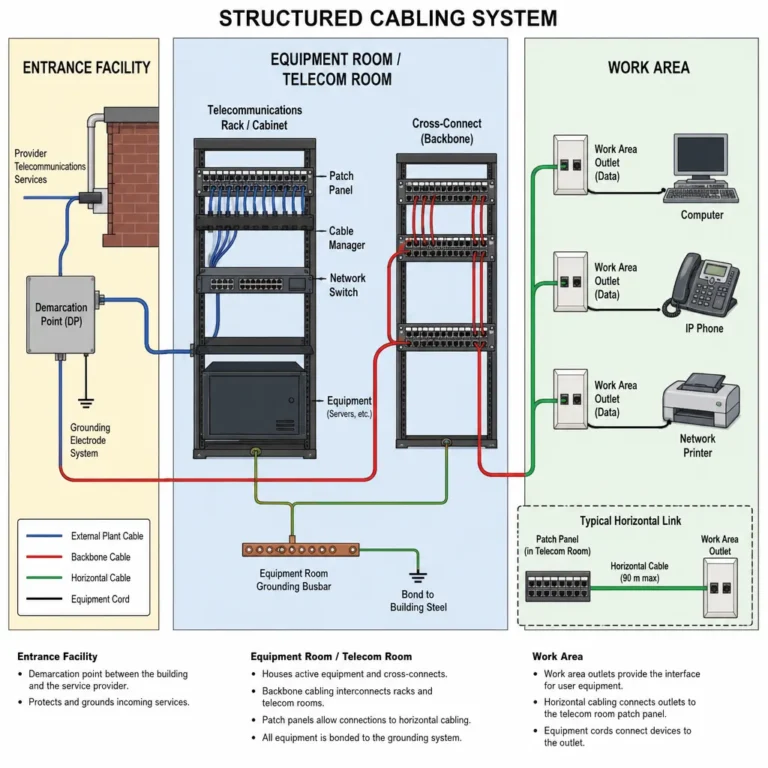
- Enterprise networking: Office buildings use fiber for backbone runs between floors and between buildings, then distribute to desktops via copper Ethernet.
- Medical imaging: Endoscopes and other medical instruments use fiber optics to transmit light and images inside the body without requiring electrical components at the tip.
- Military and defense: Fiber optics provide secure, interference-resistant communications that are difficult to tap without detection.
- Video surveillance: Multimode fiber is commonly used to extend IP camera runs beyond the 100-meter limit of copper Ethernet.
Fiber Optic Cable Installation and Maintenance
Installing fiber optic cable requires more care than copper. The glass fibers can crack or shatter if bent too sharply or pulled beyond their tensile strength limit. Every fiber cable has a minimum bend radius specification that must be respected during installation to avoid signal loss or fiber breakage.
Key installation practices include:
- Following the manufacturer’s minimum bend radius specification at all times
- Pulling cables by the strength members, not the jacket
- Keeping connectors clean using appropriate fiber cleaning tools before every connection
- Testing every link with an optical power meter or OTDR (optical time-domain reflectometer) after installation
- Labeling both ends of every fiber run for easy identification
Maintenance is straightforward when connectors are kept clean. Dirty connectors are the most common cause of signal loss in fiber optic networks. A simple fiber optic cleaning kit and periodic inspections with a fiber microscope can prevent most performance issues.
Advantages of Fiber Optic Cables Over Copper
Fiber optic cables offer several clear advantages over traditional copper cabling:
- Higher bandwidth: Fiber supports far greater data rates than copper. Modern fiber links routinely operate at 10G, 40G, 100G, and beyond.
- Longer distances: Copper Ethernet is limited to 100 meters per segment. Single-mode fiber can reach tens of kilometers without amplification.
- No electromagnetic interference: Fiber carries light, not electricity, so it is completely immune to EMI and RFI. This matters in industrial environments, hospitals, and anywhere near heavy electrical equipment.
- Greater security: Fiber does not radiate a signal that can be intercepted with passive equipment. Tapping a fiber link requires physically disturbing it, which can be detected.
- Lower attenuation: Fiber loses far less signal strength per meter than copper, which is why it is used for long-distance runs where copper would require amplifiers every few hundred meters.
- Thinner and lighter: Despite carrying more data, fiber cables are smaller and lighter than equivalent copper bundles.
Challenges and Limitations
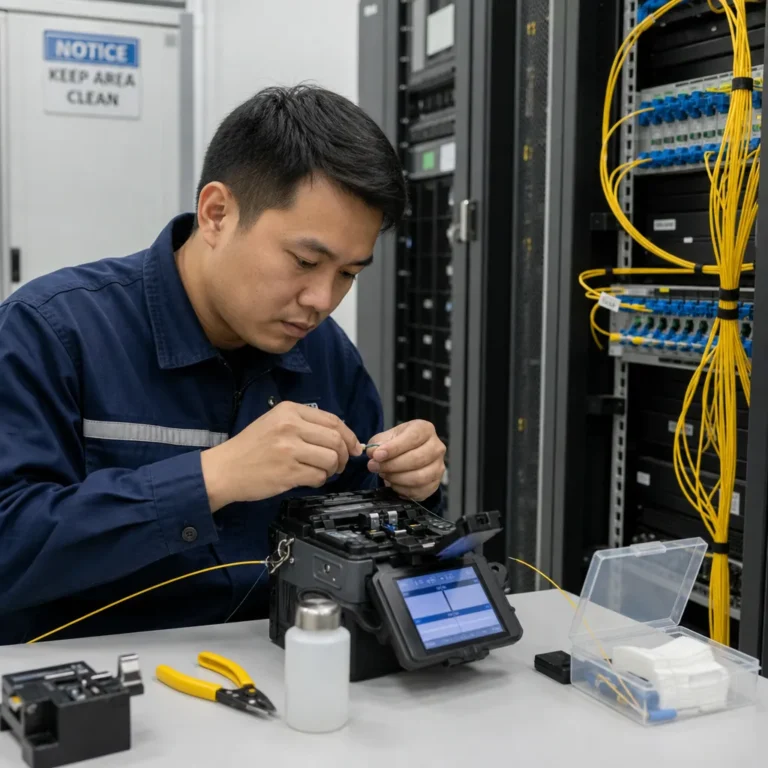
Fiber optic cables are not without limitations. The upfront costs for fiber transceivers and installation labor are higher than for copper, though prices have fallen significantly over the past decade. Fiber also requires more skilled technicians to splice and terminate properly. Damage to a fiber link typically requires specialized equipment to locate the break and perform a fusion splice repair.
For short runs within a single room or closet, copper Ethernet remains cost-effective and simple. Fiber becomes the better choice when distance, bandwidth, or interference immunity requirements exceed what copper can deliver.
The Future of Fiber Optic Technology
Fiber optic technology continues to advance. Researchers are developing techniques to transmit data over a single fiber at terabit-per-second rates by multiplexing hundreds of wavelengths simultaneously (wavelength-division multiplexing, or WDM). Hollow-core fibers that guide light through air rather than glass promise even lower latency and signal loss. As demand for bandwidth grows with streaming video, cloud computing, AI workloads, and smart city infrastructure, fiber optics will remain the foundation of global connectivity.
Conclusion
Fiber optic cables transmit data as light through glass or plastic fibers, delivering higher bandwidth, longer reach, and immunity to interference that copper simply cannot match. Understanding the difference between single-mode and multimode fiber, the role of each cable component, and the connector types used in modern networks puts you in a much better position when planning or evaluating a cabling infrastructure.
Need Fiber Optic Cables for Your Project?
Excellent IT Telecom Solutions, based in Irving, Texas, supplies fiber patch cables, MPO/MTP assemblies, and fiber accessories for data centers, enterprise networks, and telecommunications applications. Our team can help you select the right cable type, length, and connector configuration.